Giving NASA's "Cosmic Cycles" A Proper Release
Punkto.org Release Group is proud to announce a new album for teh scene: Cosmic Cycles: A Space Symphony, by NASA.
If you don't want to read the whole thing then just download the zip file here.
Legal Credits
I created none of the music and did only very minor graphic work for this. All credit belongs to:
- NASA's Goddard Space Flight Center
- Wade Sisler
- USRA
- Ernie Wright
- National Philharmonic
- Henry Dehlinger
- KBR Wyle Services, LLC
- Scott Wiessinger
- Lauren Ward
- Ryan Fitzgibbons
- ADNET Systems, Inc
- James Tralie
- Advocates in Manpower Management, Inc
- David Ladd
- The taxpayers of the United States of America
I'm not a laywer, but to the best of my understanding, NASA's releases are put into the public domain. The only exception that I am aware of with this is the NASA logo itself, which I have intentionally not reproduced here at all because I do not have (and have not sought) written permission.
Initial Release
In the Spring of 2023, NASA released on their website a 7-part series of music videos titled "Cosmic Cycles: A Space Symphony". This release was a collaboration with Henry Dehlinger of the National Philharmonic. They created a sweeping orchestral score to accompany some footage of various cosmic objects and topics.
The seven part series includes:
- The Sun
- Earth Our Home
- Earth as Art
- The Moon
- Planetary Fantasia
- Travelers (DART and OSIRIS-REx)
- Echoes of the Big Bang
The composed music was intended to be listened to while viewing the accompanying visuals. For this reason, it was released and performed with the visuals attached. You can watch/listen to the original combined release here or watch/listen to a performance by the North Sydney Symphony Orchestra here. Both of these links include the video that they were intended to include. The video adds important context to the sounds that you are hearing and is necessary in painting the full picture.
Due to the importance of the video in the release, no audio-only release was made public by NASA. I wanted to be able to listen to this as an album from my Jellyfin server in Feishin, so I sought to remedy this problem.
File Selection
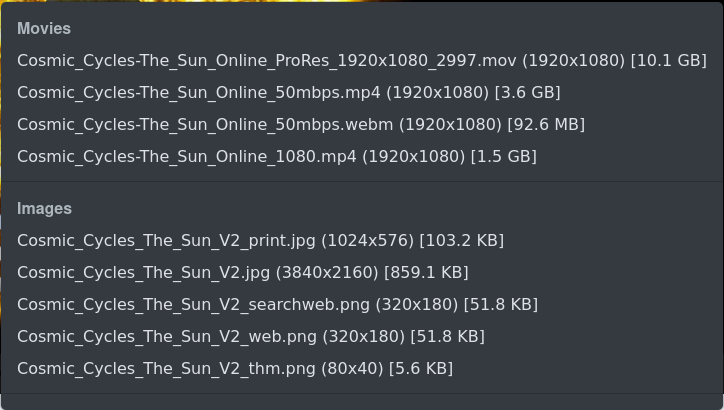
The audio that I wanted to extract was mixed together with the video in the releases from NASA, so I needed to get it out of the file. This is straightforward enough, but first I had to pick which file to use. For each of the parts of this album, NASA actually released four separate videos of varying quality. For example, track 1 "The Sun" includes:
- A 92.6MB "50mbps" webm
- A 1.5GB 1080p mp4
- A 3.6GB "50mbps" mp4
- A 10.1GB 1080p "ProRes" version
I knew that it was possible for the lower file size to still include lossless audio, but I wasn't sure if it did. I also didn't want to download all of each copy to find out. They are big files and that would have taken a long time on my slow Internet connection. So I gathered up the different links and checked based only on the first 1MB of the file (output slightly edited for clarity):
$ for i in ${LINKS[@]}; do \
  echo "$i"; \
  curl -s -r 0-1000000 "$i" | ffprobe - 2>&1 | grep Audio; \
  done

Cosmic_Cycles-The_Sun_Online_ProRes_1920x1080_2997.mov
  Stream #0:1[0x2](eng): Audio: pcm_s16le (sowt / 0x74776F73), 48000 Hz, stereo, s16, 1536 kb/s (default)

Cosmic_Cycles-The_Sun_Online_50mbps.mp4
  Stream #0:1[0x2](eng): Audio: aac (LC) (mp4a / 0x6134706D), 48000 Hz, stereo, fltp, 317 kb/s (default)

Cosmic_Cycles-The_Sun_Online_50mbps.webm
  Stream #0:1(eng): Audio: opus, 48000 Hz, stereo, fltp (default)

Cosmic_Cycles-The_Sun_Online_1080.mp4
  Stream #0:1[0x2](eng): Audio: aac (LC) (mp4a / 0x6134706D), 48000 Hz, stereo, fltp, 317 kb/s (default)
This clearly shows that the small webm file and the two smaller mp4's have the lowest audio quality. The ProRes, however, includes a pcm_s16le stream. This encoding type is a "PCM signed 16-bit little-endian". While this isn't the highest quality technically possible (the number can go as high as 32), it is pretty good, and much better than an aac or opus remux. It's also the best that we get. Additionally, the bitrate is roughly 5 times higher than the bitrate on the other options.
With this information, I had my files selected. I actually needed to download the enormous files, totalling 78GB. I mentioned earlier that my Internet connection is very slow, and this would have taken me literally days to download. Instead, I did all of the subsequent work on a server in "the cloud" (the machine that serves this blog, colocated in a datacenter).
Extracting Audio Into A Common Format
I downloaded the full size videos from these links using wget:
- https://svs.gsfc.nasa.gov/vis/a010000/a014300/a014313/Cosmic_Cycles-The_Sun_Online_ProRes_1920x1080_2997.mov
- https://svs.gsfc.nasa.gov/vis/a010000/a014300/a014318/CosmicCycles_Earth_With_Music_1920x1080_30fps.mov
- https://svs.gsfc.nasa.gov/vis/a010000/a014300/a014319/Cosmic_Cycles-Earth_as_Art_Online_ProRes_1920x1080_2997.mov
- https://svs.gsfc.nasa.gov/vis/a010000/a014300/a014320/MoonCosmicCycles_wMusicMASTER.mov
- https://svs.gsfc.nasa.gov/vis/a010000/a014300/a014321/Cosmic_Cycles-Planetary_Fantasia_Online_ProRes_1920x1080_2997.mov
- https://svs.gsfc.nasa.gov/vis/a010000/a014300/a014322/Cosmic_Cycles-Travelers_Online_ProRes_1920x1080_2997.mov
- https://svs.gsfc.nasa.gov/vis/a010000/a014300/a014323/Cosmic_Cycles-Echoes_of_the_Big_Bang_Online_ProRes_1920x1080_2997.mov
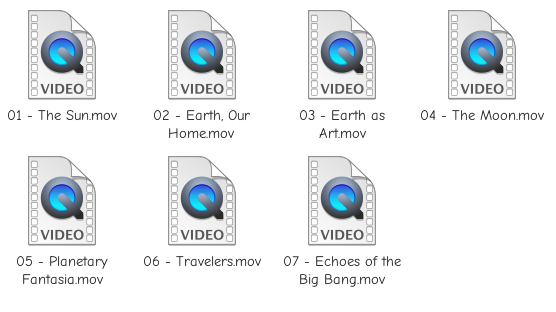
And renamed them sensibly to:
- 01 - The Sun.mov
- 02 - Earth, Our Home.mov
- 03 - Earth as Art.mov
- 04 - The Moon.mov
- 05 - Planetary Fantasia.mov
- 06 - Travelers.mov
- 07 - Echoes of the Big Bang.mov
Then I stripped out the audio into a normal (also lossless) audio container that media players can handle (flac):
for i in *.mov; do \
  bn=$(basename "$i" .mov); \
  ffmpeg -i "$i" -vn -q:a 10 "$bn".flac; \
  done
Which spat out a bunch of flac files. I moved them into their own directory to keep things organized. The size difference is insane. Instead of the 78GB full video files, these standalone audios are only 378MB.
Tagging
I use kid3-cli for audio tagging because it supports all common audio formats. It helps me to not need to remember how to use three billion different tools for mp3/flac/opus/ogg/etc. I checked on the flacs that I had at this point and saw that they had some existing quicktime tags leftover from the original video encoding on NASA's side:
$ kid3-cli -c 'get all' *.flac
Tag 2:
  COMPATIBLE_BRANDS  qt
  Encoder            Lavf60.16.100
  MAJOR_BRAND        qt
  MINOR_VERSION      537199360
I removed these in their entirety to avoid any needless extra data:
kid3-cli -c 'set COMPATIBLE_BRANDS ""' -c 'set Encoder ""' -c 'set MAJOR_BRAND ""' -c 'set MINOR_VERSION ""' *.flac
Then I used a really cool bash oneliner with the very legitimate and never-hated IFS to set the tags to what I wanted them.
for i in *.flac; do \
  bn=$(basename "$i" .flac); \
  IFS=" - " read -r track title <<< "$bn"; \
  kid3-cli -c "set title '$title'" \
           -c "set artist NASA" \
           -c "set album_artist NASA" \
           -c "set year 2023" \
           -c "set album 'Cosmic Cycles: A Space Symphony'" \
           -c "set composer 'Henry Dehlinger'" \
           -c "set tracknumber '$track'" \
           "$i"; \
done
In the past, I've been told "If you need to use IFS then you should switch to using a real programming language instead of Bash" to which I reply with a blown raspberry (extra spit). With this, the tags on the album are what they need to be for most media players to treat them respecfully.
Album Artwork
It's never fun when you're listening to an album and you look at your music player to see...the default filler album artwork. Every released album should have an artwork, and this one is no different. This created a bit of a predicament because NASA didn't really give us an album artwork for the release.
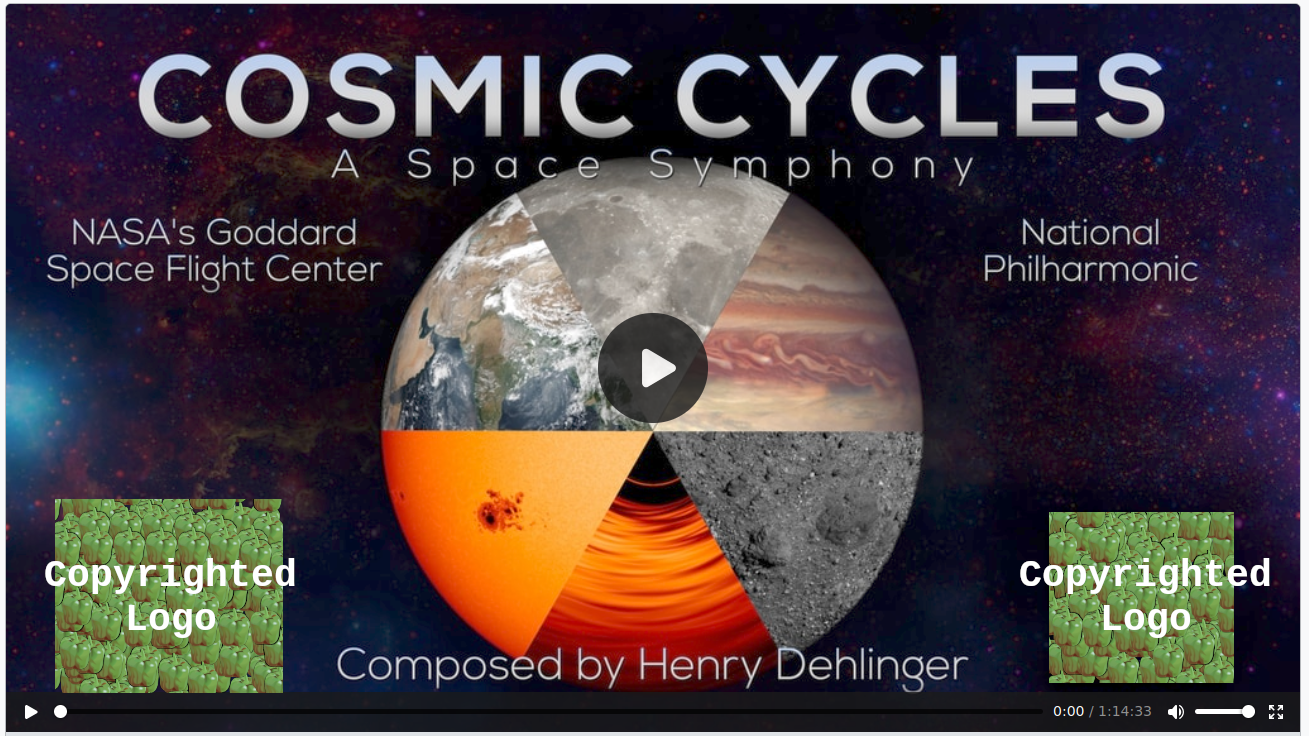
They give us this video thumbnail, but it's not 1:1 aspect ratio and it has some logos that I can't legally replicate and redistribute. It's also quite cluttered with text.
I looked around a bit more and found this PDF handout to go with the release. Here I found what would be a perfect album artwork, so I took a screenshot of it and opened it up in GIMP to mess around:
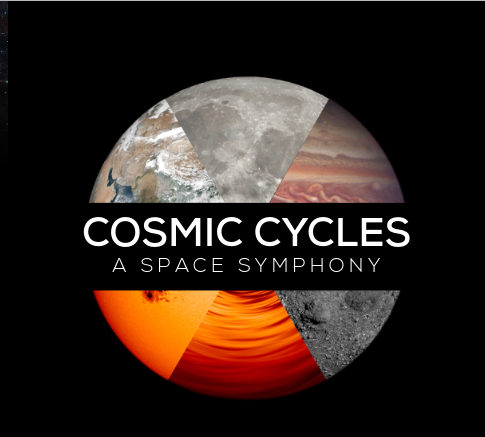
In GIMP, I first added an alpha channel to the layer. Then I used the Select by Color Tool to select the whole black background. This also selected some dark spots on the Moon, so I switched to the Free Select Tool and switched the mode to Subtract, then looped around the bits that I didn't want. With just the background now selected, I hit the Delete key on my keyboard.
At this point I had just the ball with text floating there, but it wasn't centered. I went to Layer -> Crop To Content and then Image -> Fit Canvas To Layers. This made the whole image just the size of the main asset. Then I went to Image -> Canvas Size and dialed in a perfect square. In the little preview pane, the circle with text was in the top corner, so I hit the center button.
Now that I had the right size image with the asset in the center, I added a new layer beneath the circle's layer and filled the whole thing in with black. I think the resulting album artwork looks fine.
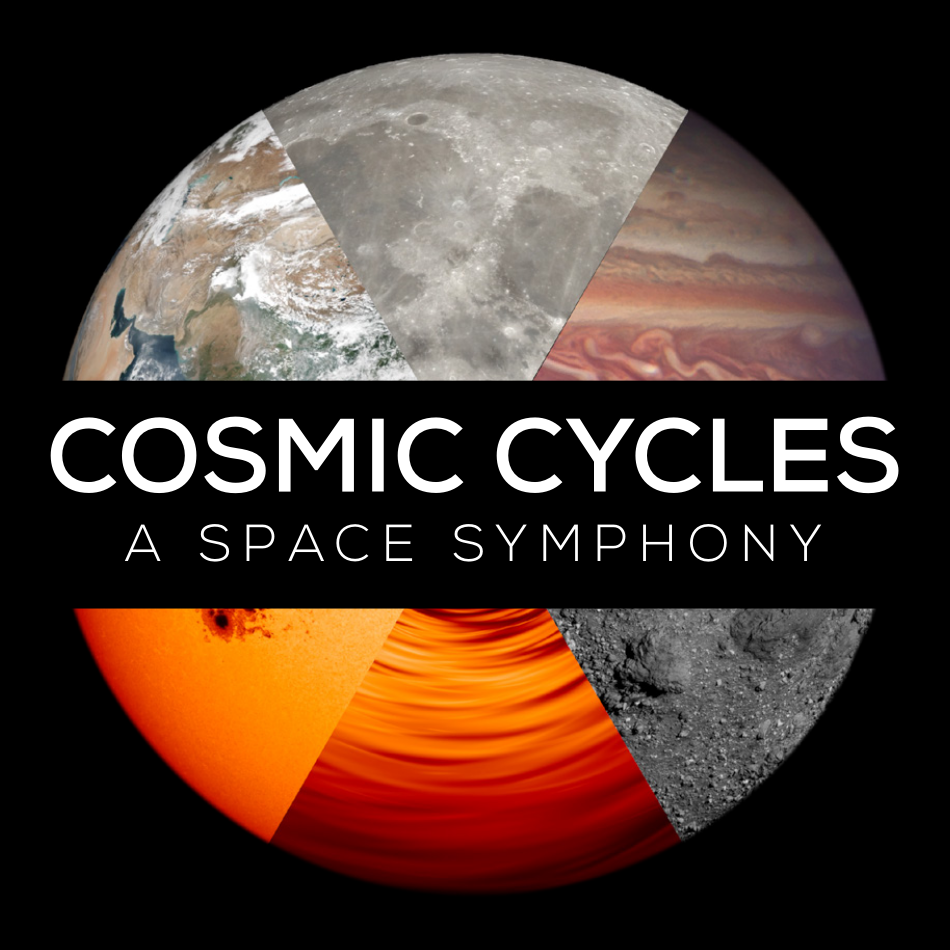
With this, all of the work was done.
ZIP Release
I zipped up all of the files and the archive is available here. You should be able to just drop this into your music collection and your library should pick it up. As far as I'm aware, this is the only audio-only release of this on the Internet, so I tried to do my best.
I even made the filename for the album not use a colon and I used a zip instead of a tarball for you Windows users out there.
If NASA ever sees this and wants me to take it down, please send an email to "seesandthecyst" at this website's domain.